



Visual Planning® is a multidimensional planning tool. It optimises workflows, duty rosters, material usage and capacity utilisation plans.
Consecutive work steps are intelligently coordinated and communicated to the relevant staff members.
Over 210,000 users worldwide rely on our planning solution
Digital Planning Board: Features and Applications
How are staff, machines and projects scheduled on a single planning board? The Product overview of the Visual Planning® digital planning board explains how to use the system, its modules and access paths. We go into more detail on specific tasks, availability and allocations under Operational resource planning with Visual Planning®.
Resource planning software for businesses
Plan projects, staff and capacity efficiently in one place
– no more Excel chaos.
Do you recognise these problems
in your planning?
With the right resource planning, you can avoid
precisely these problems.
The digital planning board
for your resource planning
Visual Planning® is the intuitive software
for modern project and resource planning.
Keep track of all projects, tasks and capacities at all times.
Would you like to find out which solution suits your planning needs first? Our Decision-making guide for resource planning helps to compare Excel, ERP/PPS and resource planning software, costs and operating models.
Go straight to the right planning solution
Select your use case and see how similar companies are using it.
Resources and capacities
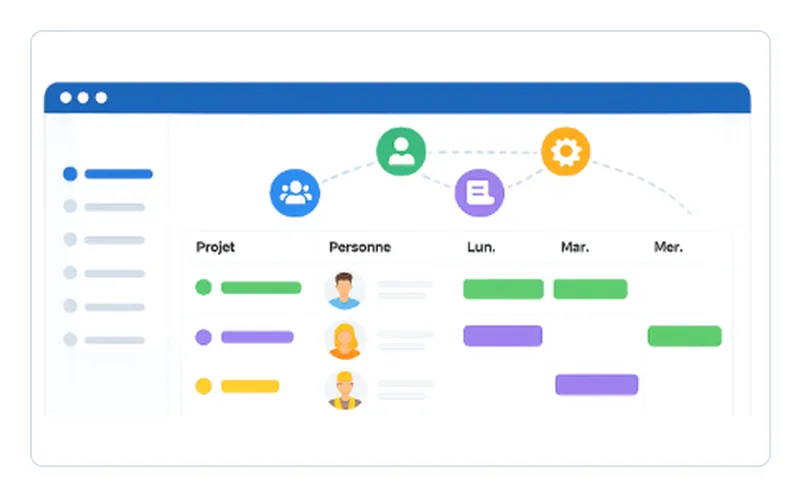
Plan staff, machinery and projects centrally and identify spare capacity at an early stage.
Practical example: GROB: GROB replaced decentralised Excel-based planning and introduced the centralised resource overview within three to four months.
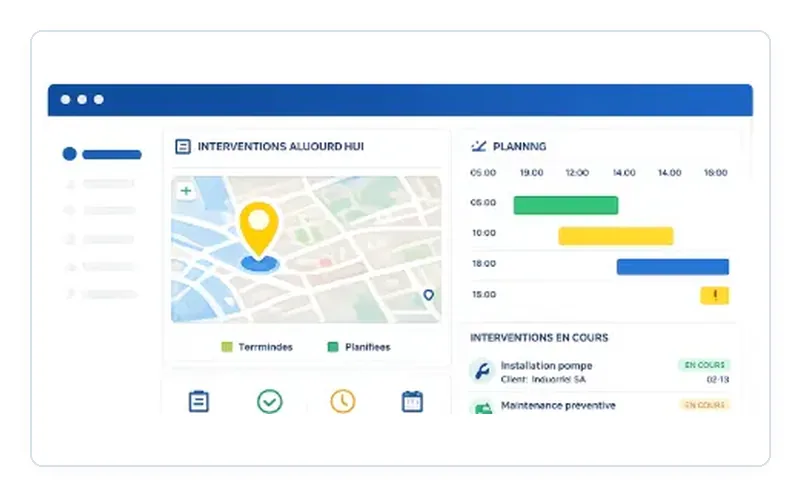
Service and Technician Deployment
Allocate jobs, work sites, qualifications and available technicians within a single planning system.
Case study: HOMAG: HOMAG harmonised its global technician deployment planning and went live after around six months.
Construction and building sites
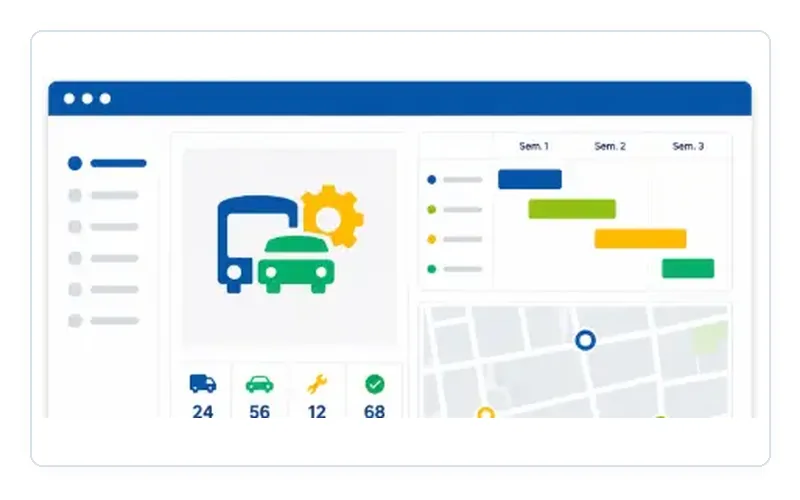
Coordinate teams, equipment, stock and appointments across multiple construction sites and locations.
Practical example: WALO: WALO has replaced a complex Excel-based planning system and coordinates staff and stock across seven profit centres.
See your own planning in action
In the personalised demo, we’ll show you how to schedule a job, identify bottlenecks, reschedule deadlines and process confirmations. You’ll then receive a recommendation on the next steps to take.
Request a personal demoFurther planning solutions
Select the area that best matches your planning task.
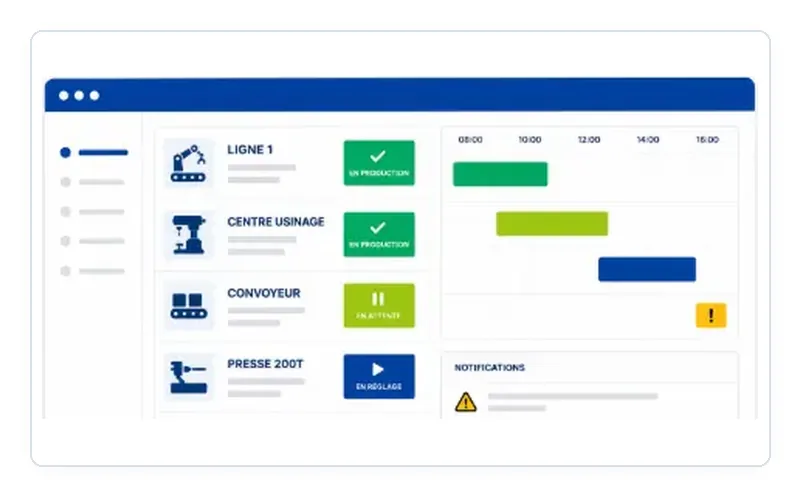
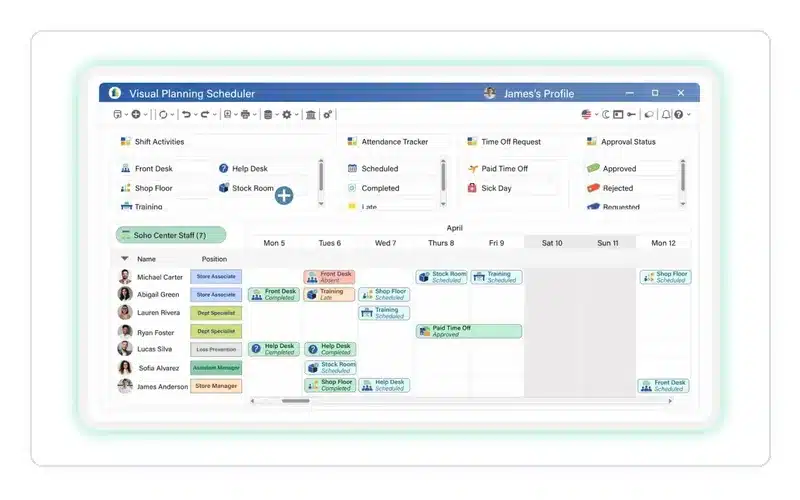
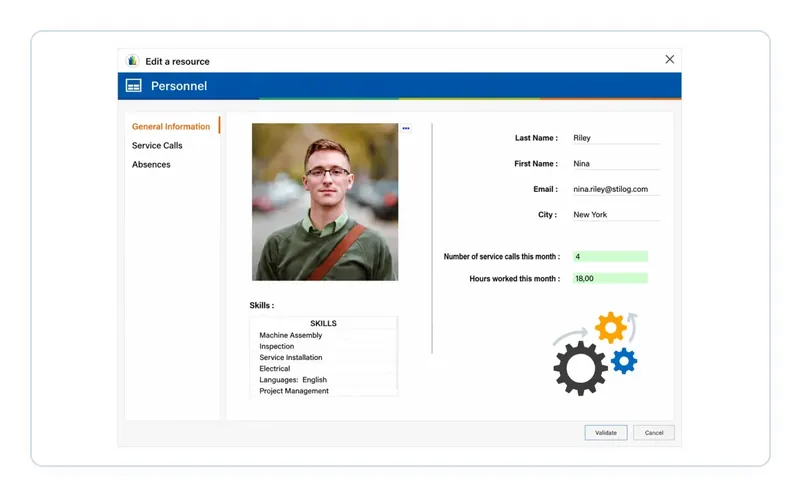
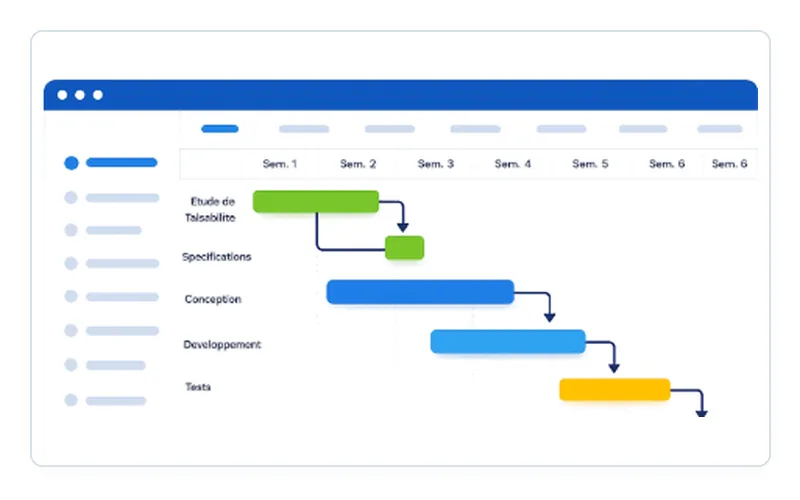
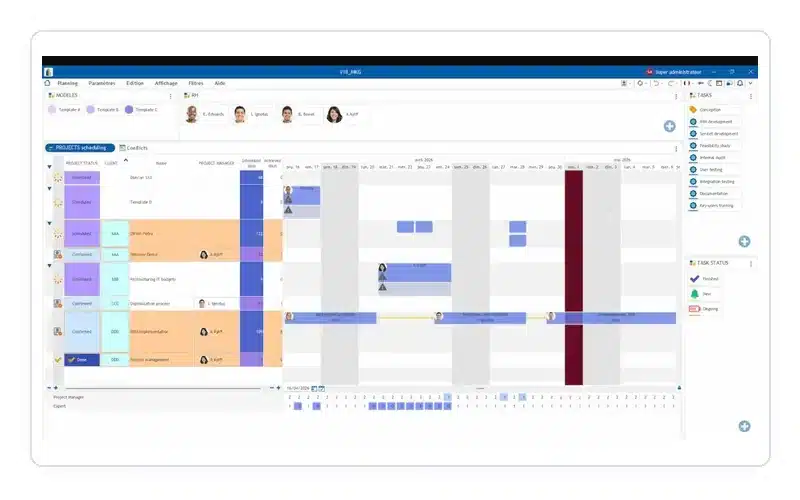
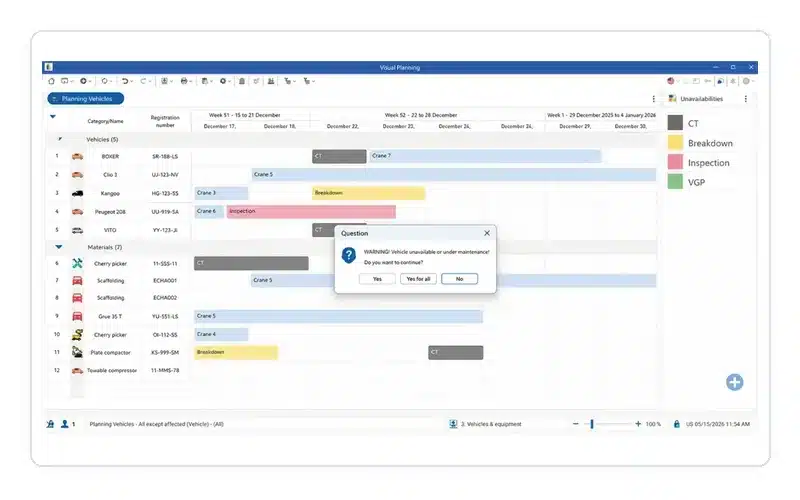
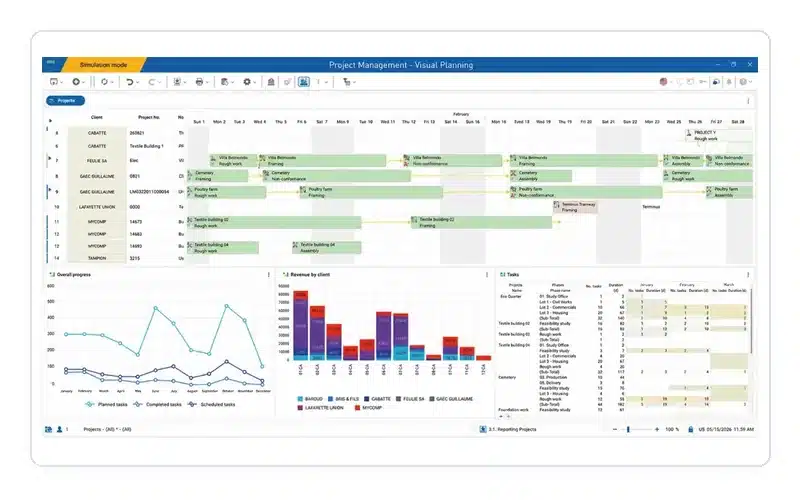
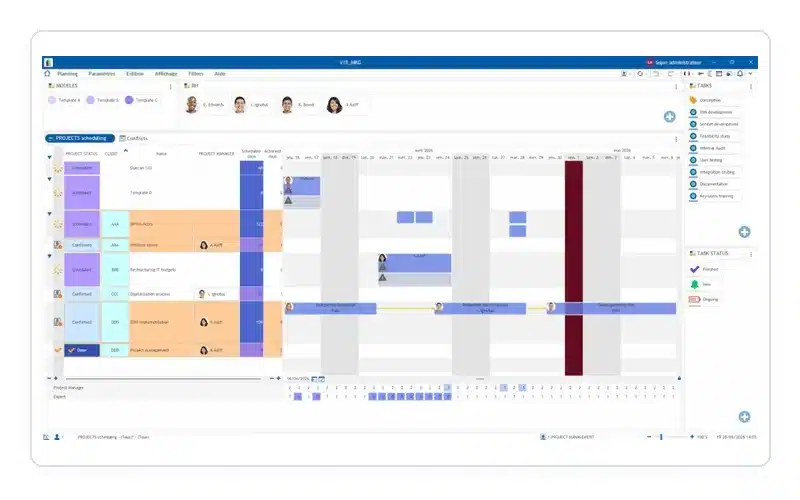
Keep track of your resources
When several employees, machines, projects or sites need to be co-ordinated, planning can quickly become complex.
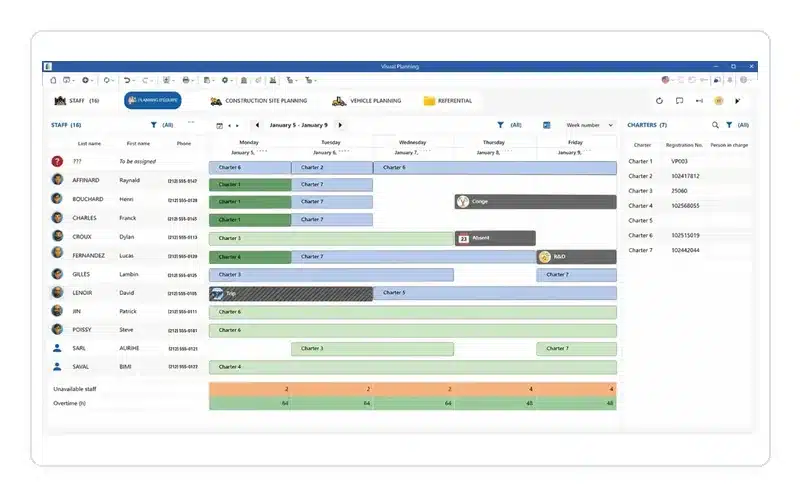
Visual Planning® provides a central overview of:
- Availability and absences
- Orders, tasks and projects
- available and allocated capacity
- Dates and dependencies
- Capacity utilisation and bottlenecks
Changes can be made directly in the visual planning board and are immediately available to the relevant users.
The benefits of Visual Planning®
Central planning
All those involved work with a shared and up-to-date planning status.
Identify bottlenecks at an early stage
Overloads, double bookings and capacity shortfalls become apparent more quickly.
Implement changes flexibly
Jobs, appointments and resources can be easily reassigned using drag-and-drop.
Reduce planning effort
Fewer manual reconciliations and parallel Excel files reduce the workload for planning and administration.
Customise
Planning views, fields, rules, user rights and workflows are tailored to your organisation’s requirements.
Integrate existing systems
Visual Planning enables bidirectional data exchange with SAP, Abacus, Microsoft Dynamics, baubit and m-soft. The interfaces are implemented to suit your systems and planning processes.
More on interfaces and ERP integrations
When is Excel no longer sufficient for planning?
Excel may be sufficient for simple planning tasks and small teams.
A specialised planning solution makes sense when:
- Schedule several people at the same time
- where dates and availability frequently change
- various resources can be coordinated with one another
- where several sites are involved
- Version conflicts arise
- Capacity utilisation and bottlenecks are difficult to identify
- up-to-date planning information is required centrally
Visual Planning® does not necessarily replace all Excel applications. In particular, the software handles those planning processes where collaboration, up-to-date information and a visual overview are crucial.
A planning solution that adapts to your business
Visual Planning® is not based on rigid, standardised planning.
Working with you, we will develop a solution that reflects your actual resources, processes, roles and planning rules. This means that the same platform can be used for different departments and use cases.
Possible configurations include, amongst others:
- customised planning views
- Custom data fields and statuses
- Colours, symbols and warnings
- User groups and permissions
- Rules and automatic checks
- Dashboards and reports
- mobile visits
- Interfaces to third-party systems
Provision and access
Depending on technical and organisational requirements, Visual Planning® can be deployed as a hosted solution or within the organisation’s own IT environment.
Depending on the module selected, the system can be accessed via desktop, web browser and mobile devices.
[Technical information]
[View module]
Discover Visual Planning®
In a personalised presentation, we will show you how Visual Planning® can map your existing planning processes.
If you wish, we can discuss the following:
- Your current planning challenges
- Required resources and user roles
- Desired views and workflows
- Interfaces and technical requirements
- Possible implementation steps
Used by companies worldwide

















Get started now with efficient
Resource planning
Optimise your planning with Visual Planning® and boost your company’s productivity.