

Efficient resource planning with pool resources
Visual Planning® supports companies in the centralised planning of pool resources and enables staff, teams and other shared resources to be allocated to various tasks and areas of operation in line with demand. Availability, qualifications and staffing requirements are presented transparently, so that shifts and assignments can be planned flexibly and instances of over- or under-staffing can be identified at an early stage.
The use of pool resources
Pool resources are shared staff, machinery, vehicles, equipment, rooms or other operational resources that can be allocated to different projects, departments, sites or orders.
Without a central overview, it is often difficult to see which resources are already booked, what capacity is still available and where time overlaps occur.
Visual Planning® brings together pool resources, availability, assignments, dates and planning-related attributes in a configurable digital planning board.
Depending on the configuration, resources can be assigned to projects, tasks, teams, shifts or locations via drag-and-drop.
This provides planning managers with a common basis for capacity planning and the flexible deployment of shared resources.
Functions for planning pool resources
The resources, information and validation rules used depend on the organisational requirements and the specific configuration of Visual Planning®.
Central resource overview
Staff, vehicles, machinery, equipment and other shared resources are displayed in a single overview.
Availability
Existing assignments, absences, maintenance and downtime can be taken into account during planning.
Flexible allocation
Resources can be allocated to projects, tasks, teams, locations or defined time periods.
Capacity planning
Allocated and available capacity can be displayed for individual resources or entire resource pools .
Qualifications
Qualifications, authorisations, equipment and other features may be taken into account, depending on the configuration.
Warnings
Planning rules may indicate double bookings, overlaps or lack of availability .
Cross-site planning
Depending on the organisation, resources can be co-ordinated across several departments or sites.
Reports and analyses
Capacity utilisation, assignments and other planning data can be analysed in customisable views.
Interfaces
Resource, order and demand data can be imported from existing systems, depending on the project.
Staff planning tailored to requirements
Employees can be grouped together as shared resources in a staff pool and assigned to different tasks, projects or locations.
Existing assignments, working hours and absences are displayed in the relevant planning view.
Utilisation and capacity views help to identify free time slots as well as potential over- or under-utilisation.
The actual staffing requirements cannot be determined automatically without the relevant demand data and planning rules. These must be defined and configured for each project.
Shift planning by qualification and functional area
Staff can be assigned to shifts or areas of operation depending on their qualifications, role, availability and current commitments.
Planning-related details such as training courses, certificates, authorisations or areas of responsibility can be stored as employee information.
Configurable rules can flag missing qualifications or scheduling conflicts.
Statutory, collective agreement and company-specific working time regulations must be reviewed and implemented in accordance with the specific requirements.
Transfer demand and order data
Depending on the specific use case, demand, order or project data can be imported from ERP, logistics, HR or other business systems.
This allows required capacities and available pool resources to be compared in a single planning view.
Which data is to be imported and how frequently updates are carried out is determined during the interface analysis.
Visual Planning® can enhance existing systems with graphical planning, capacity and scheduling views.
Allocate resources flexibly across projects
Shared resources can be made available to several projects, orders or organisational units.
Central planning shows which resources have already been allocated and for which periods capacity is still available.
If priorities change, existing allocations can be adjusted and alternative resources assessed.
Further information can be found at Project planning and Resource planning .
Analysing capacity utilisation and productivity metrics
Visual Planning® can display planned assignments, available capacities and other stored information in configurable views and reports.
Possible analyses may, for example, relate to utilisation rates, booking times, assignment types, organisational units or resource classes.
The key figures available depend on the data that has been maintained or provided via interfaces.
Visual Planning® does not automatically evaluate processes and does not guarantee any increase in productivity. However, the information presented forms a basis for technical analyses and planning decisions.
Planning vehicles and mobile resources
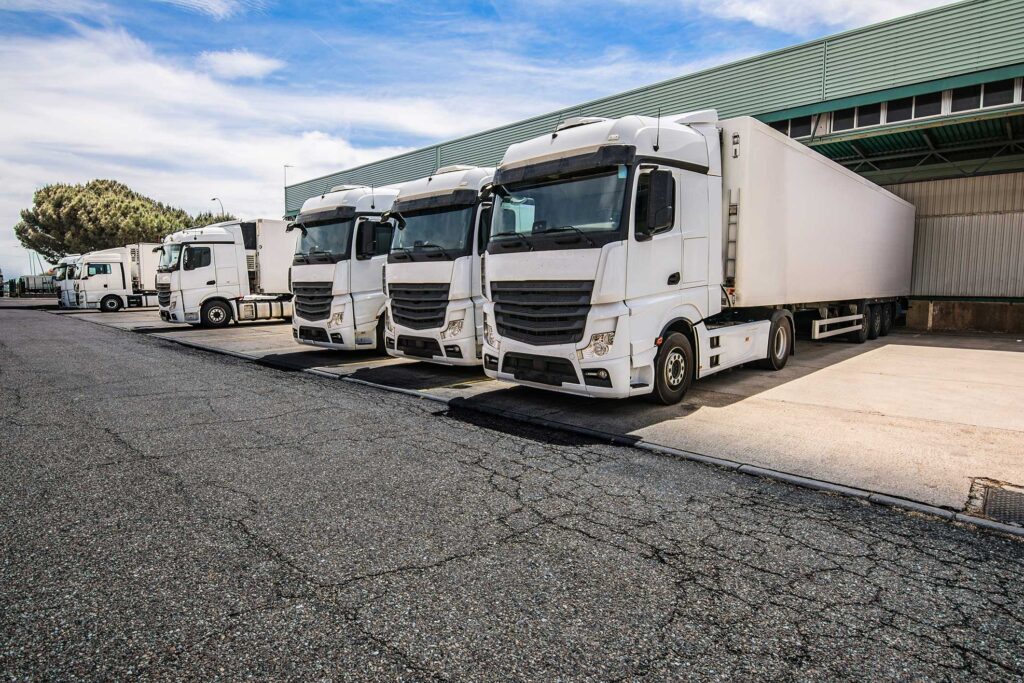
Vehicles, trailers, mobile devices and other transport resources can be displayed as resource pools.
Availability, existing assignments, maintenance, locations and other characteristics can be taken into account during allocation, depending on the configuration.
This allows vehicles to be allocated to projects, orders, teams or time periods.
Further information can be found at Fleet planning .
Take into account locations and geographical information
Locations, sites and geographical information can be provided as attributes or via integrated systems, depending on the planning concept.
However, automatic route calculation, traffic navigation or route optimisation is not, as a matter of principle, an integral part of pool resource planning.
Where required, relevant functions can be integrated via suitable mapping, telematics or logistics systems.
The available options depend on the third-party systems used and the respective interfaces.
Provide planning information on mobile devices
Depending on the licence, configuration and system environment, shared planning information can be made available in a browser or on suitable mobile devices.
Authorised users can thus access defined information on assignments, tasks, appointments and resources whilst away from a fixed workstation.
Feedback and status changes can also be recorded, depending on the process that has been set up.
Which information is visible or editable is determined by user rights and the specific system configuration.
Typical pool resources
- Staff and specialists
- Project teams and temporary staff
- Machinery and production equipment
- Vehicles and trailers
- Tools and mobile devices
- Rooms and workstations
- Test and measurement equipment
- IT and event technology
- Materials and equipment
- External service providers
Resource types, attributes and views are configured in accordance with the requirements of the respective company.
Frequently asked questions about planning pool resources
What are pool resources?
Pool resources are shared staff, machines, vehicles, equipment, rooms or other operational resources that can be allocated to different projects, teams, departments or sites.
What tasks does the planning of pool resources involve?
This includes the management of availability, capacity planning, resource allocation, deployment control and the coordination of shared resources.
Why is digital planning of pool resources important?
It provides a central overview of available and already allocated resources. Changes, bottlenecks and potential overlaps thus become apparent more quickly.
How does digital planning of pool resources work?
Resources are allocated to projects, tasks, teams, locations or time periods on a digital planning board. Authorised users can edit the schedule centrally.
What are the benefits of digital resource pool planning?
It improves the overview of availability, bookings and capacity. This enables shared resources to be co-ordinated more transparently.
Why is Excel often not sufficient for complex pool resource planning?
With numerous resources, projects and last-minute changes, discrepancies in spreadsheet data can quickly arise. Overlaps and dependencies must be checked manually .
What are the disadvantages of resource planning using Excel?
Changes often have to be applied across several files . This can lead to version conflicts, transcription errors and duplicate entries.
How can pool resources be planned efficiently?
Resources can be allocated to projects, teams or tasks according to their availability, qualifications, equipment and current allocation.
How can double bookings be detected?
Existing allocations and availability are displayed centrally . Configurable alerts can indicate scheduling conflicts.
How can you identify capacity bottlenecks in pool resources?
Utilisation and capacity views compare existing bookings with available time slots. This makes potential bottlenecks visible as early as the planning stage.
How does pool resource planning support project planning?
Shared resources can be allocated to projects, tasks and time periods. Existing bookings are visible during further planning.
How do you plan multiple resource pools simultaneously?
Multiple resource types, teams, sites or departments can be planned in parallel, either in shared or separate views .
How does digital resource pool planning help with last-minute changes?
New orders, resource unavailability or changed priorities can be entered centrally and taken into account in subsequent planning.
Does digital pool resource planning automatically improve resource utilisation?
Centralised planning makes available and occupied capacities visible, thereby supporting planning decisions. However, better capacity utilisation does not occur automatically without appropriate processes and decisions.
How does resource pool planning support cross-site planning?
Resources from different locations can be displayed in shared views and coordinated according to availability, authorisation and organisational rules.
Can qualifications be taken into account?
Qualifications, certificates, functions and other resource characteristics may be taken into account during allocation, depending on the configuration.
Can digital planning of pool resources be used on mobile devices?
Depending on the licence, configuration and system environment, shared planning information can be made available in a browser or on suitable mobile devices.
What are the benefits of hosted resource pool planning?
A hosted solution provides Visual Planning® in a centrally managed system environment. Access, data backup, responsibilities and possible interfaces depend on the chosen hosting model.
For which organisations is pool resource planning suitable?
It is suitable for industrial companies, service providers, manufacturing businesses, project organisations and other companies with shared staff, machinery, vehicles or equipment.
How does digital resource pool planning improve transparency?
Resources, availability, capacities and assignments are displayed in a central planning system. Authorised users therefore work on the basis of a shared planning status.
How does digital planning of pool resources reduce planning errors?
Centralised data management, traceable changes, planning rules and transparent resource overviews can help to significantly reduce double bookings, data transfer errors and communication problems.
Related topics on pool resources
Efficient planning of pool resources requires transparency Resource planning, to coordinate staff, machinery, vehicles and shared capacities centrally in real time.
With an integrated Staff deployment planning Specialists, teams and mobile staff can be flexibly assigned to different projects and locations.
By linking to the Project planning Resources can be efficiently allocated to projects, tasks and areas of operation.
A digital Machine planning helps companies to make optimum use of machinery, equipment and technical resources and to identify bottlenecks at an early stage.
Companies also benefit from a centralised Fleet planning, to efficiently coordinate vehicles, transport and mobile resources across multiple locations.
Try resource planning for free
You’ve never used pool resources in such a simple and straightforward way before. See for yourself.