

Add-on modules for Visual Planning®
Depending on your requirements, Visual Planning® can be expanded with additional modules and access options. This allows browser-based planning, mobile tasks, external calendars, Outlook synchronisation and AI-supported analyses to be specifically integrated with your central resource planning.
Which extensions are appropriate depends on your planning processes, the end devices used, the desired functions and the technical system environment. The modules can be added in stages and configured in line with user rights .
Modules and Extensions
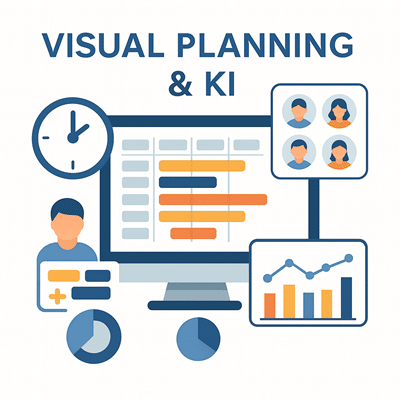
AI Planning Board
The AI planning board complements Visual Planning® with AI-powered features for personnel, project and resource planning. Planning data can be analysed and taken into account when identifying bottlenecks, capacity utilisation and possible alternatives.
The specific range of functions depends on the version used, the available database and the configuration.
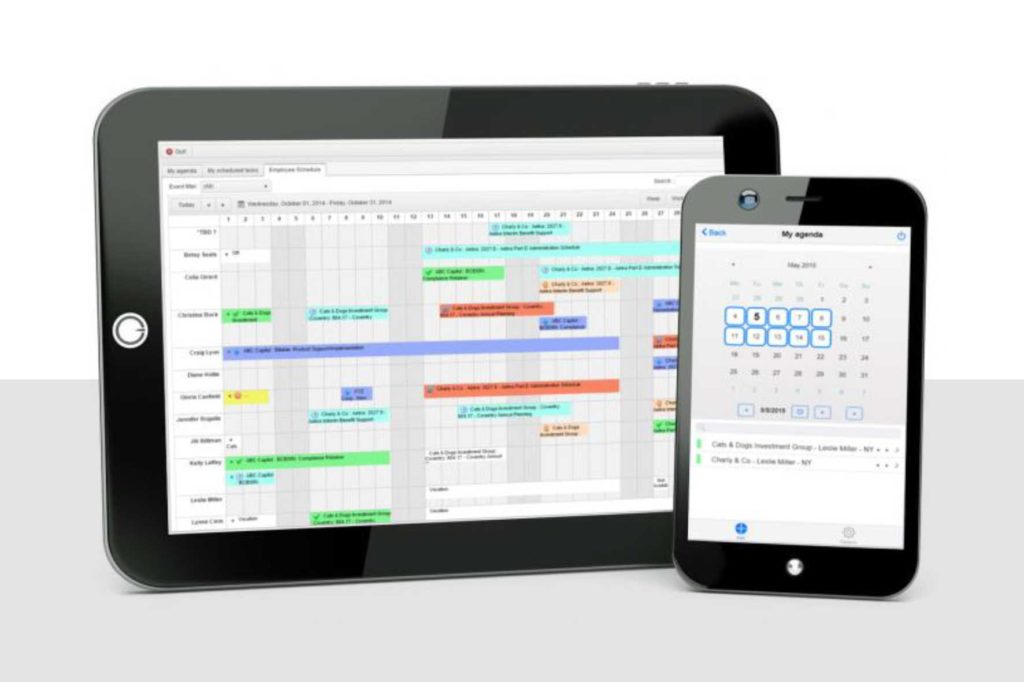
VPPortal
VPPortal enables browser-based access to shared Visual Planning schedules. Depending on their user rights, users can view, enter and edit information without having to install VPDesk locally.
VPPortal is suitable for desktop computers, laptops and tablets with a supported web browser.
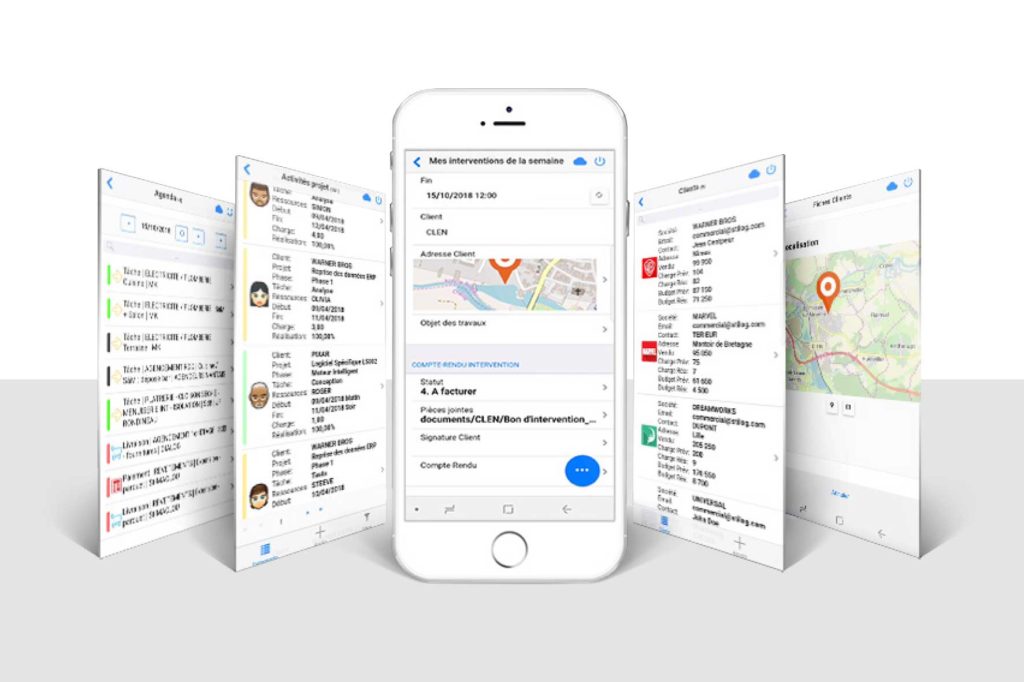
VPGo
VPGo supports mobile staff with selected tasks and feedback. Appointments, orders and approved information can be accessed on a smartphone and edited, depending on the configuration.
VPGo is suitable, for example, for field staff, service engineers, fitters, site managers and mobile teams.
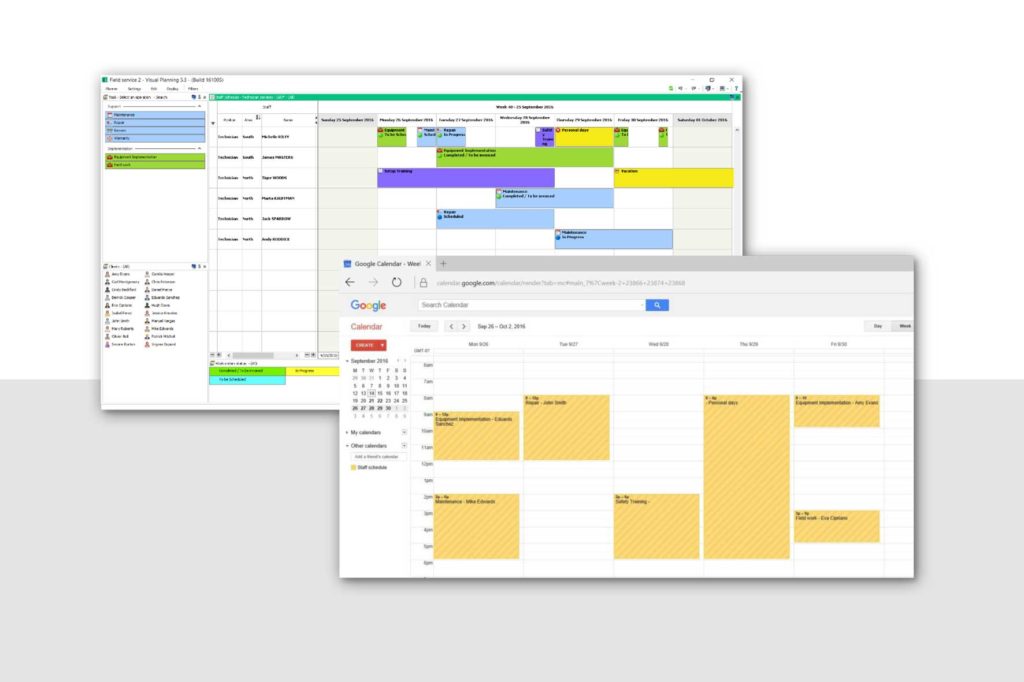
WebAgendas
With WebAgendas, selected appointments from Visual Planning® can be made available via customised calendar URLs.
The calendars can, for example, be integrated into Microsoft Outlook, Google Calendar or other iCalendar-compatible applications. The scope and update frequency depend on the configuration and the calendar application used.
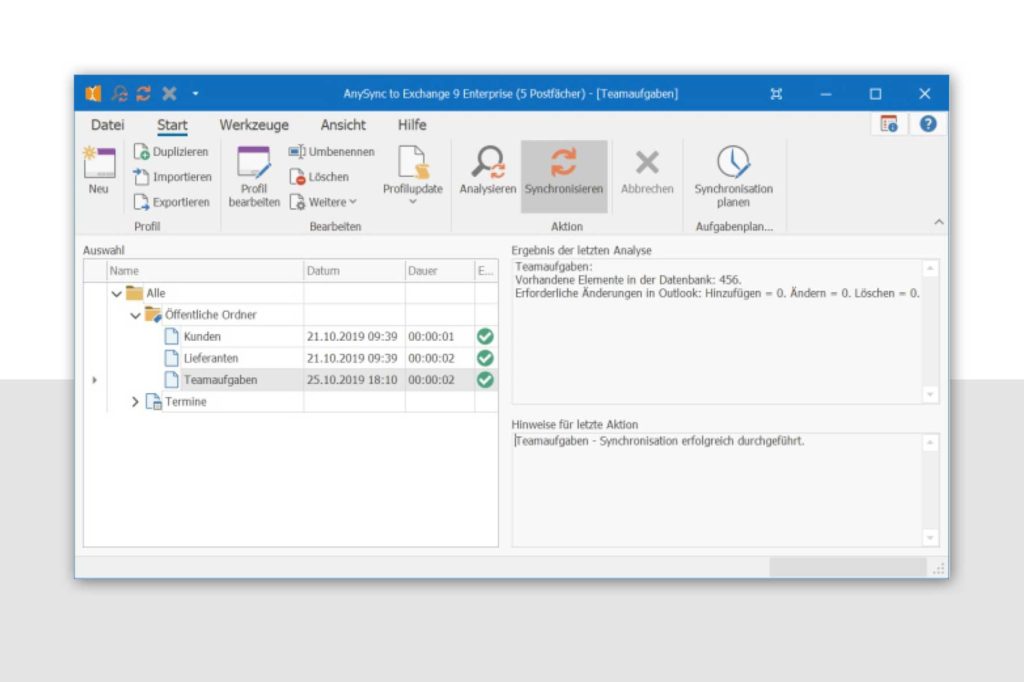
Outlook synchronisation
Outlook synchronisation supports data exchange between Visual Planning® and Microsoft Outlook or Exchange.
Depending on the solution set up, appointments can be made available or synchronised on a user-by-user basis. The scope, direction of transfer and frequency are defined during configuration.
Document management
With the document management feature, files can be linked directly to projects, tasks, appointments or resources.
Users can therefore find relevant documents immediately within the appropriate planning context. The file types, storage locations and access rights supported depend on the configuration used.
The benefits of the Visual-Planning® extensions
- Modular structure: Customise Visual Planning® to include the specific functions required for your planning processes.
- Browser-based access: VPPortal enables access to shared plans via a supported web browser.
- Mobile tasks: With VPGo, selected appointments, orders and confirmations can be made available on smartphones.
- External calendars: WebAgendas makes selected appointments available via customised calendar URLs for compatible calendar applications.
- Outlook integration: Depending on the configuration, appointments can be exchanged between Visual Planning®, Outlook and Exchange.
- Documents in the context of planning: Files can be linked directly to projects, tasks, appointments or resources.
- AI-powered assistance: The AI planning board can assist with the analysis of planning data, bottlenecks and possible alternatives.
- Step-by-step expansion: Additional functions can be added as requirements grow .
We will work with you to determine which modules and technical components are suitable for your business, based on your planning processes and system environment.
Discover the right modules for your planning needs
In a personalised online demonstration, we will show you which Visual-Planning® modules can effectively complement your planning processes.
Arrange an online demoTry it out rather than just reading about it
Following a personalised online demo, you can try out the planning software free of charge.